Thumbnail tester.
Compare cover options before you publish.
Upload 2 to 20 thumbnail variations or candidate video frames. Clef scores each cover image on focal subject clarity, visual contrast, and background clutter—helping you pick the highest-CTR thumbnail before your video or post goes live.
Sorting product shoots?Try the Product Photo Sorter- Compare thumbnail variations
- Focal clarity & contrast scoring
- 12 covers free, no sign-up
- CSV & ZIP export
 Example
pizza.jpg
91%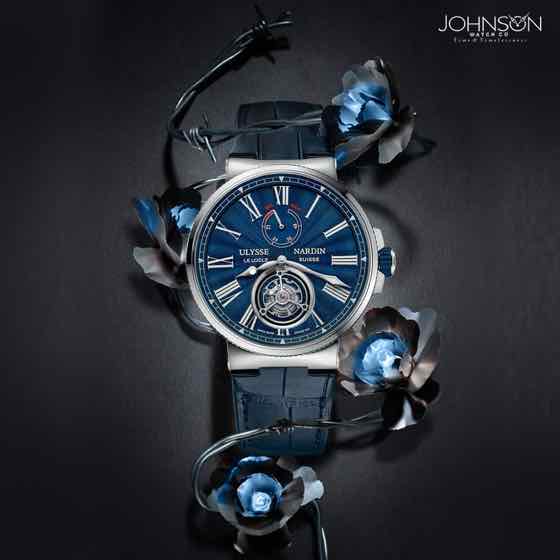 Example
watch-dark.jpg
85%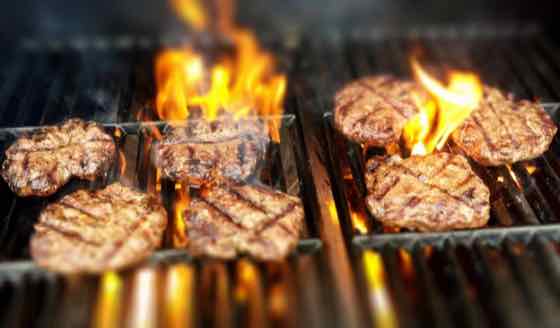 Example
burger.jpg
79% Example
living-room.jpg
73%
4 · Confirm anything marked for review, then export. The ZIP puts each image in a folder named after its category.
3 free runs · input is sent to Workers AI only, never stored
How to test thumbnails before publishing
01
Set your thumbnail criteria
Use the default CTR tiers (High CTR cover with clear focal subject, Clean comparison shot, Busy background / low contrast, Detail close-up) or customize them for your channel.
02
Drop in your thumbnail candidates
Upload 2 to 100 thumbnail drafts, video still frames, or product cover options in JPG, PNG, or WebP format.
03
Pick the highest-probability winner
Compare the 'High CTR cover' probability across all drafts, eliminate cluttered designs, and export a CSV report for your content team.
What makes a thumbnail win at small mobile sizes
- Test 3 to 4 distinct compositions (close-up face/subject, side-by-side comparison, wide environment) rather than tiny font tweaks on the same cluttered background.
- A high-performing thumbnail needs one unmistakable focal subject that reads in under 300 milliseconds on a mobile feed—if 'Busy background / low contrast' scores above 25%, simplify the backdrop.
- Customizing for YouTube or TikTok? Set your top tier to 'Expressive face or clear hero object with high contrast' and a failure tier to 'Tiny unreadable text or cluttered collage'.
- Use the thumbnail tester on raw video frame grabs before opening Photoshop or Canva to identify which still frame has the strongest natural composition.
Thumbnail evaluation rubric for creators & marketers
How Clef separates scroll-stopping cover images from designs that blend into the feed.
| Thumbnail tier | Visual traits matched | Impact on feed click-through | Action to take |
|---|---|---|---|
| High CTR cover (clear focal subject) | Single dominant subject, strong foreground/background contrast, clean silhouette | Reads instantly at 160px mobile width; maximizes initial impressions CTR | Publish as primary thumbnail or A/B test lead |
| Clean comparison shot | Balanced two-item or before/after layout with clear visual separation | Strong for review, versus, and transformation videos | Use for comparison or tutorial content |
| Detail close-up | Tight macro crop showing texture, result, or intriguing detail | Works well when paired with a curiosity-gap title | Test as B-variant in YouTube Thumbnail Test & Compare |
| Busy background / low contrast | Multiple small objects, low luminance separation, competing background noise | Blurs into visual mush on mobile dark/light feeds | Blur background, boost subject contrast, or discard |
Built for YouTube, social video, and marketplace covers
Test cover candidates in 5 seconds instead of waiting 48 hours for live impression decay.
YouTube & Shorts frame selection
Export 12 still frames from your timeline and let AI rank which frame has the cleanest subject separation before you add text overlays.
Course, podcast & newsletter covers
Compare multiple graphic drafts to ensure the main visual hook remains clear and uncluttered at small card sizes.
Marketplace & ad creative pre-flight
Score 20 ad creative variants to filter out low-contrast or visually confusing images before spending ad budget.
Pay as you go
More runs, one payment.
Buy 20 runs for $9. Use them to sort images, in the playground or in the image checker. No subscription.
One credit covers 4 sorted images, one playground run or one image check. Failed AI runs return the credit.
Pay by card, or with crypto through Infini. Local tax may be added at checkout where required.
Restore credits
On a new device? Get a restore link sent to the email you paid with, or enter the code from a recovery file.
Thumbnail Tester FAQ
How does an AI thumbnail tester predict which cover is stronger?
Before a viewer reads your title, their eye processes subject separation, contrast, and visual clutter. Clef-Flash evaluates your candidate images against explicit visual clarity tiers and outputs a calibrated probability for each option.
Should I use this before YouTube's built-in Test & Compare?
Yes. YouTube only lets you test 3 thumbnails live. Use Clef to narrow 10–15 raw frame grabs or design drafts down to the top 3 cleanest candidates before launching your live YouTube A/B test.
Can I customize the criteria for gaming, food, tech, or beauty channels?
Absolutely. Edit the category lines to match your niche—for example 'Close-up plated dish with warm lighting', 'Chef action shot', 'Wide table spread', and 'Dark or messy kitchen background'.
How many photos can I sort or rate at once?
You can drop in up to 100 photos in a single batch. Every 4 photos use one run, and your first 3 runs (up to 12 photos) are completely free with no account required.
Is this tool free to try?
Yes. Every visitor gets 3 free AI runs immediately in the browser with no sign-up or credit card. When you need larger batches, a one-time $9 pack adds 20 runs (up to 80 photos) with no recurring subscription.
Do you store or train on my uploaded photos?
No. Your photos stay in your browser until you click run, are processed transiently through Cloudflare Workers AI to compute probabilities, and are never stored in a gallery or used to train models.