Real estate photo sorter.
Sort listing photos by room.
Drop in an unorganized shoot from your property photographer or agent phone roll. Clef files each photo under Kitchen, Bedroom, Bathroom, Living room, or your own custom room names with a calibrated probability, and exports a room-by-room ZIP.
AlsoSort any photos into folders- MLS & Airbnb ready
- Custom room folders
- Flags open-plan edge cases
- ZIP & CSV download
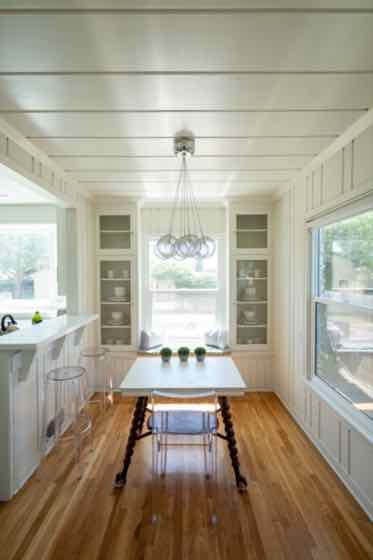 Example
kitchen.jpg
74%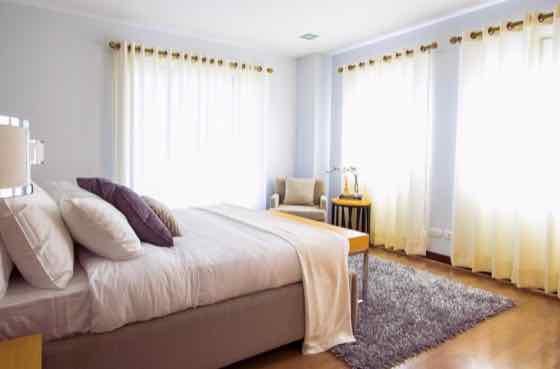 Example
bedroom.jpg
97%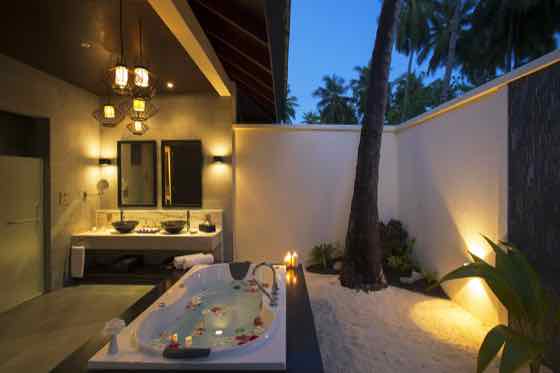 Example
bathroom.jpg
89% Example
living-room.jpg
94%
4 · Confirm anything marked for review, then export. The ZIP puts each image in a folder named after its category.
3 free runs · input is sent to Workers AI only, never stored
How to sort listing photos by room
01
Set your room list
Start with the default Kitchen, Bedroom, Bathroom, and Living room labels, or add Exterior front, Backyard / pool, Garage, and Floor plan.
02
Upload the property shoot
Drop up to 100 listing photos from your DSLR export or agent upload. Each image receives a room assignment and confidence score.
03
Verify open-plan angles and export
Review any wide open-concept shots that straddle kitchen and living areas, then download a ZIP organized into clean room folders.
Best practices for real estate & Airbnb shoots
- Include 'Exterior or yard' and 'Floor plan or map' when sorting full MLS packages so outdoor shots don’t land in Needs review.
- Open-plan condos often show both kitchen islands and living room sofas in one frame—keep your confidence threshold around 70% so mixed angles are flagged for quick human choice.
- Name your categories with the exact prefixes your MLS or property management system expects (for example '01-Exterior', '02-Living-Room', '03-Kitchen') so the downloaded ZIP folders sort in gallery order.
- Use the CSV export to keep an inventory of how many usable shots were delivered per room for each listing address.
Room classification guide for property shoots
How Clef separates standard residential and short-term rental spaces, and how to handle transitional architectural shots.
| Room label | Visual cues matched by AI | Common borderline shots | Recommended threshold |
|---|---|---|---|
| Kitchen | Cabinetry, countertops, appliances, sink, kitchen island | Open-concept dining/kitchen wide angles | 65% – 75% |
| Living room | Sofa, coffee table, fireplace, media wall, main seating area | Great rooms with visible kitchen bar stools | 65% – 75% |
| Bedroom | Bed frame, headboard, nightstands, wardrobe, staged bedding | Studio apartments or Murphy bed setups | 70% – 80% |
| Bathroom | Vanity mirror, sink, shower enclosure, bathtub, tile walls | Powder rooms vs. laundry/utility combos | 70% – 80% |
| Exterior / Patio | Facade, lawn, driveway, deck, balcony, pool, street view | Sunrooms or screened-in porches | 65% – 75% |
Built for property teams and photography studios
Eliminate the 15-minute manual folder-sorting bottleneck after every residential shoot or rental onboarding.
Real estate photography delivery
Deliver client galleries pre-organized by room instead of a flat folder of `DSC_0001.jpg` to `DSC_0085.jpg` files.
Airbnb & vacation rental onboarding
Group host-submitted phone photos by room so listing coordinators can verify every bedroom and bathroom is covered before going live.
Property management & inspections
Sort move-in and move-out condition photos by room to compare kitchen, bath, and bedroom states across lease cycles.
Pay as you go
More runs, one payment.
Buy 20 runs for $9. Use them to sort images, in the playground or in the image checker. No subscription.
One credit covers 4 sorted images, one playground run or one image check. Failed AI runs return the credit.
Pay by card, or with crypto through Infini. Local tax may be added at checkout where required.
Restore credits
On a new device? Get a restore link sent to the email you paid with, or enter the code from a recovery file.
Real estate photo sorting FAQ
Can I use custom room names like Primary Suite, ADU, or Pool Deck?
Yes. Replace or add any line in the category box—up to 8 custom room or area names per run—and the downloaded ZIP will use your exact folder names.
Does it work for commercial properties, hotels, and vacation rentals?
Yes. Because Clef matches visual descriptions rather than fixed residential codes, you can sort hotel suites, coworking spaces, retail storefronts, or short-term rentals.
How does it handle open-concept floor plans?
When a wide-angle lens captures both the kitchen and living room equally, the model distributes probability across both rooms. If neither room clears your confidence threshold, the photo is held in Needs review so you can pick the primary room in one click.
Will sorting compress or alter my original listing photos?
No. The ZIP file packages your original uploaded image files into room folders without re-encoding, watermarking, or stripping resolution.
How many photos can I sort or rate at once?
You can drop in up to 100 photos in a single batch. Every 4 photos use one run, and your first 3 runs (up to 12 photos) are completely free with no account required.
Is this tool free to try?
Yes. Every visitor gets 3 free AI runs immediately in the browser with no sign-up or credit card. When you need larger batches, a one-time $9 pack adds 20 runs (up to 80 photos) with no recurring subscription.
Do you store or train on my uploaded photos?
No. Your photos stay in your browser until you click run, are processed transiently through Cloudflare Workers AI to compute probabilities, and are never stored in a gallery or used to train models.