Rate my photo.
Pick your best shot with AI probabilities.
Not sure which photo from a shoot deserves the top spot? Drop in your candidates and let Clef rate each photo against clear visual tiers—from top-rated hero shot to distracting background or weak lighting—with transparent model probabilities.
Need pass/fail QA?Open the Product Image Checker- Rate up to 100 photos
- Calibrated AI probability scores
- Custom rating criteria
- 12 photos free, no sign-up
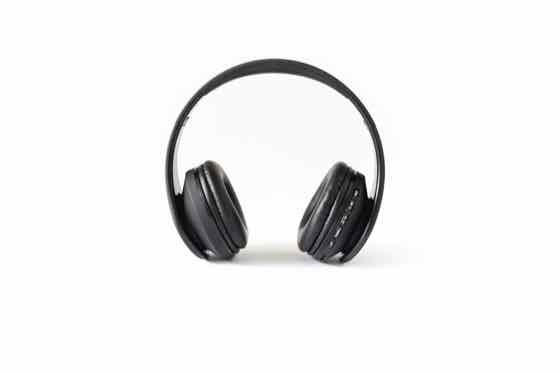 Example
headphones-white.jpg
89%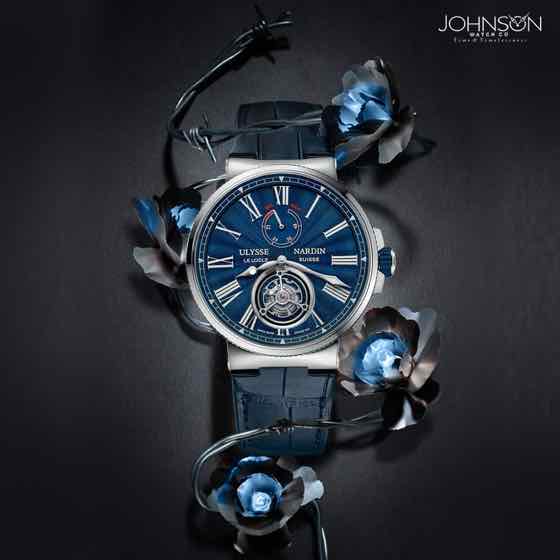 Example
watch-dark.jpg
78%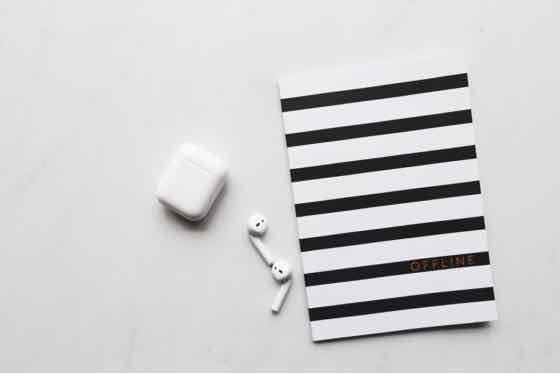 Example
earbuds-flatlay.jpg
74%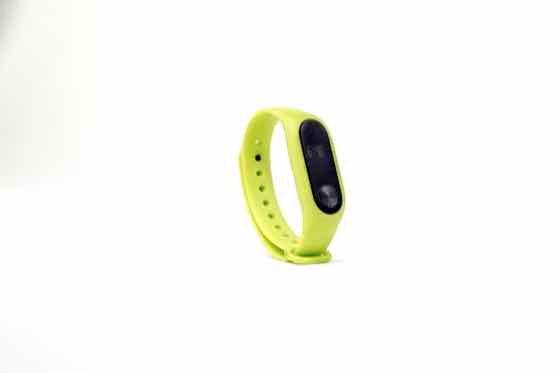 Example
fitness-band.jpg
82%
4 · Confirm anything marked for review, then export. The ZIP puts each image in a folder named after its category.
3 free runs · input is sent to Workers AI only, never stored
How to rate your photos and pick the winner
01
Choose or customize your rating tiers
Start with our default tiers (Hero / top-rated shot, Good secondary angle, Busy or distracting background, Needs better lighting) or write your own rubric.
02
Upload your photo candidates
Drop in 1 to 100 JPG, PNG, or WebP photos from your shoot or camera roll. Clef evaluates up to 4 photos per run.
03
Compare probability scores and export
See the exact probability each photo earns for your top tier. Export your ranked winners as a sorted ZIP of folders plus a CSV score sheet.
How to get sharper photo ratings from AI
- Upload 3 to 8 variations from the same shoot so you can compare which angle or lighting setup achieves the highest 'Hero / top-rated shot' probability.
- Replace generic labels like 'Good' or 'Bad' with specific visual standards—such as 'Sharp subject with clean background' vs. 'Harsh shadows or motion blur'.
- Tailor the top tier to where the photo will live: 'Professional headshot with clear eye contact' for LinkedIn, or 'Crisp studio product hero' for ecommerce.
- Check the full probability breakdown on runner-up photos to diagnose whether background clutter or lighting is holding a shot back.
What separates a 90%+ hero photo from a reject
Instead of an arbitrary 1-to-10 mystery number, Clef evaluates how strongly each photo matches explicit visual quality tiers.
| Rating tier | Visual signals that raise the score | Issues that lower the score | Best use for matching photos |
|---|---|---|---|
| Hero / top-rated shot | Clear focal subject, balanced exposure, clean separation from background | Clipped edges, competing props, flat contrast | Primary profile photo, listing cover, or Slot 1 hero |
| Good secondary angle | Sharp subject from an alternate perspective, contextual framing | Slightly off-center or secondary angle | Carousel slots 2–5, portfolio gallery, blog body |
| Busy or distracting background | Subject is visible but competes with clutter, cords, or crowd | Background elements pull attention from the subject | Crop tighter or remove background before publishing |
| Needs better lighting | Underexposed shadows, blown highlights, color cast, or soft focus | Low contrast or motion blur on key details | Hold from publishing or reshoot with diffused light |
Who uses AI photo rating
Whenever you have 10 similar takes on your camera roll and only need the single strongest frame.
Creators & portrait culling
Drop 20 burst shots from a portrait or lifestyle session and immediately isolate the 2–3 frames with the cleanest composition and lighting.
Ecommerce & seller hero selection
Rate multiple tabletop angles of a product to see which frame reads most clearly as a high-trust primary listing image.
Real estate & hospitality cover picks
Score candidate exterior and living room photos to choose the single highest-impact cover image for Airbnb, Zillow, or Booking.com.
Pay as you go
More runs, one payment.
Buy 20 runs for $9. Use them to sort images, in the playground or in the image checker. No subscription.
One credit covers 4 sorted images, one playground run or one image check. Failed AI runs return the credit.
Pay by card, or with crypto through Infini. Local tax may be added at checkout where required.
Restore credits
On a new device? Get a restore link sent to the email you paid with, or enter the code from a recovery file.
Rate My Photo FAQ
How does Clef rate my photo differently from random 1–10 score generators?
Most 'rate my photo' tools output an opaque number with no explanation. Clef uses Cloudflare's calibrated decision model (Clef-Flash) to compute a true probability distribution across explicit visual tiers that you can read and customize.
Can I rate portraits, outfits, travel photos, or product shots?
Yes. You can keep the default photo rating tiers or edit the 4 lines to match your exact genre—for example 'Sharp golden-hour portrait', 'Good candid moment', 'Blink or awkward expression', and 'Out of focus'.
How many photos can I rate for free?
Your first 3 runs (up to 12 photos total) are free right in the browser with no login. If you want to rate a full shoot of 80 photos, a one-time $9 pack gives you 20 runs.
Are my personal photos kept private when I rate them?
Yes. Photos stay in your browser until you run a check, are sent over encrypted HTTPS to compute the rating probabilities, and are never saved on our servers or shared publicly.
How many photos can I sort or rate at once?
You can drop in up to 100 photos in a single batch. Every 4 photos use one run, and your first 3 runs (up to 12 photos) are completely free with no account required.
Is this tool free to try?
Yes. Every visitor gets 3 free AI runs immediately in the browser with no sign-up or credit card. When you need larger batches, a one-time $9 pack adds 20 runs (up to 80 photos) with no recurring subscription.
Do you store or train on my uploaded photos?
No. Your photos stay in your browser until you click run, are processed transiently through Cloudflare Workers AI to compute probabilities, and are never stored in a gallery or used to train models.